





Every complaint gets logged. Does it get resolved in time?
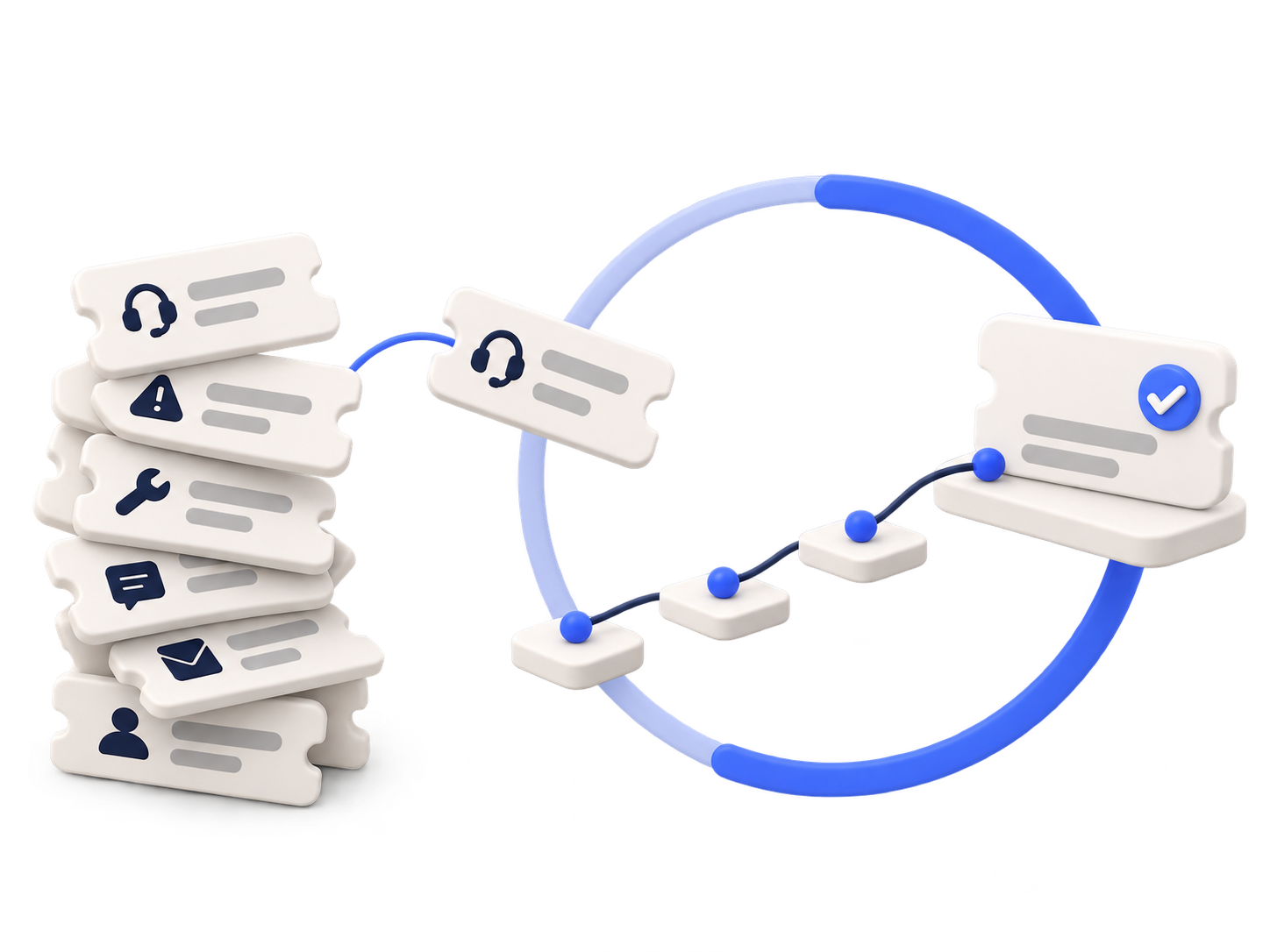
A breakdown is reported, the job passes through several hands, and delays often show only after the SLA is missed. URVA Service is field service management software that takes every request from ticket to resolution, on record.
Trusted by enterprises including




Where service slips. The delay rarely starts with the technician.
Four moments where one breakdown complaint slips between people.
Where does a complaint go before it becomes a ticket?
A customer reports a breakdown by phone to someone at the branch.
It sits in a notebook or a chat, with no owner and no start time.


One complaint. Two outcomes.
Without URVA Service
Complaint by phone
Passed between people
Visit not recorded
Customer escalates
With URVA Service
Ticket from the customer form
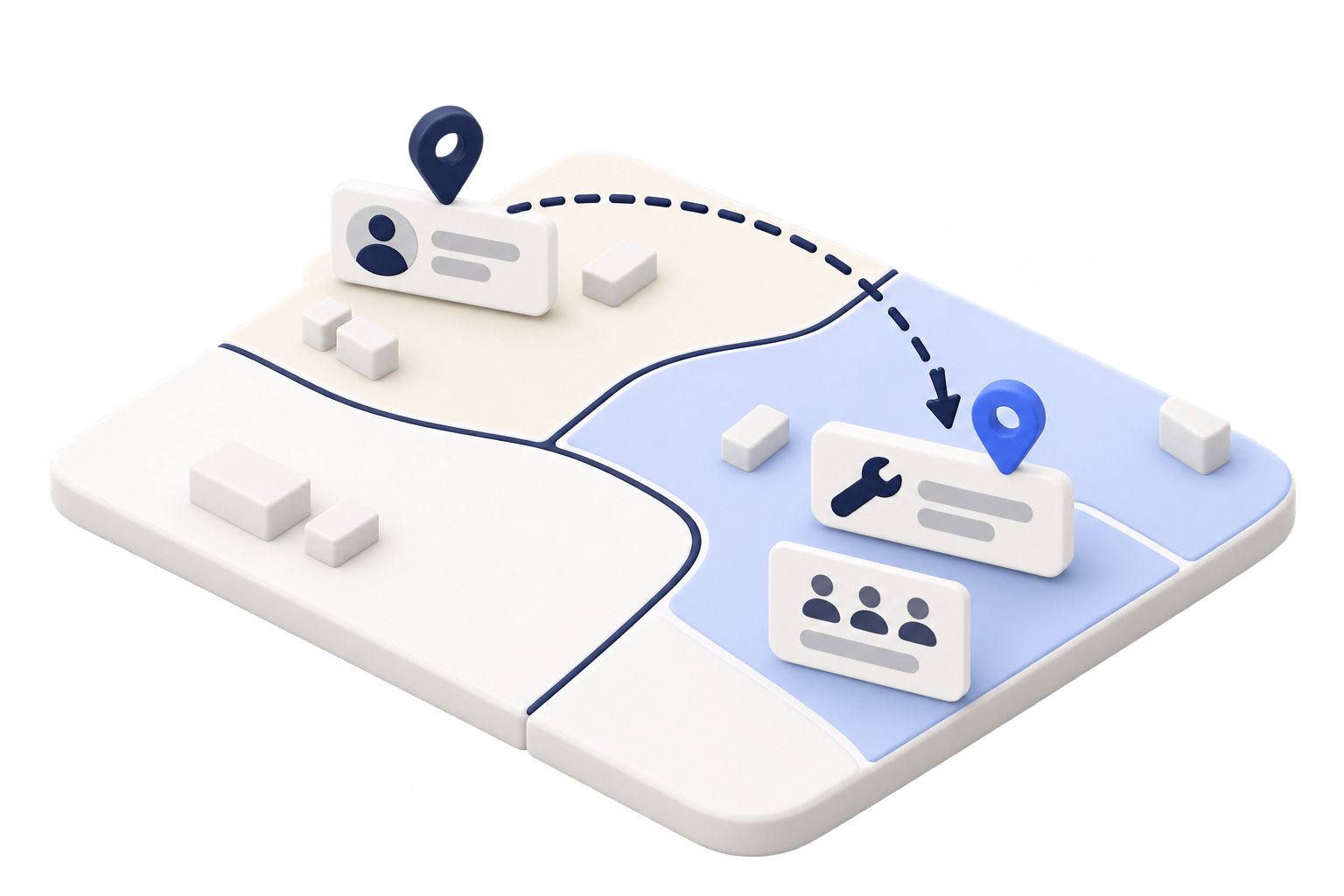
Assigned by area
Every stage on record
Delays escalated
Meet URVA Service. Every service request, governed from ticket to resolution.
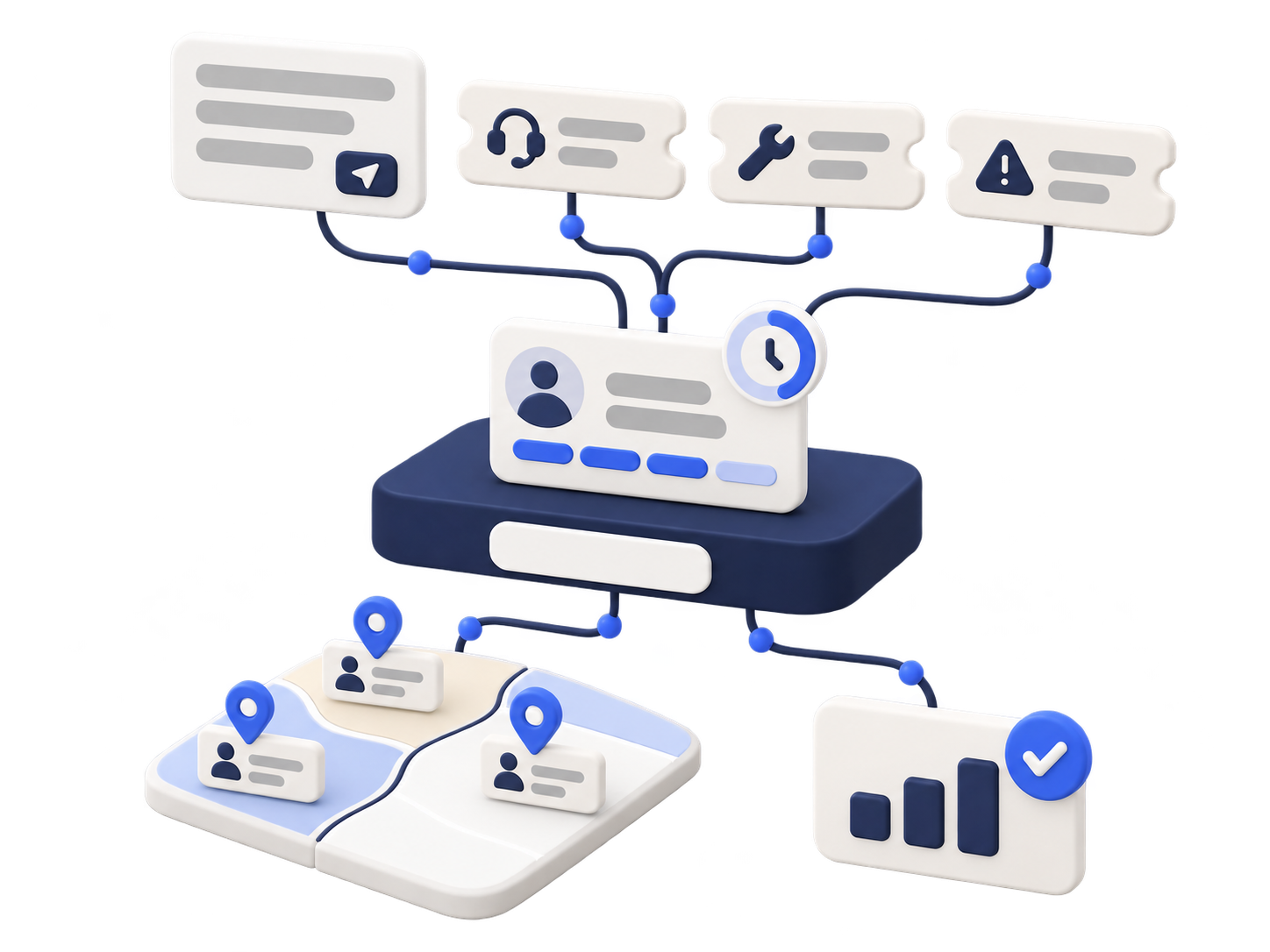
URVA Service helps your teams send every request to the right area, move the work through clear stages and see delays while there is still time to act.
01
Every complaint becomes a ticket
Customers raise a request through a form, so every complaint is on record from the start.
02
Every job reaches the right team
Work is assigned by geographical area, so the team that covers the site gets the job.
03
Every stage leaves a record
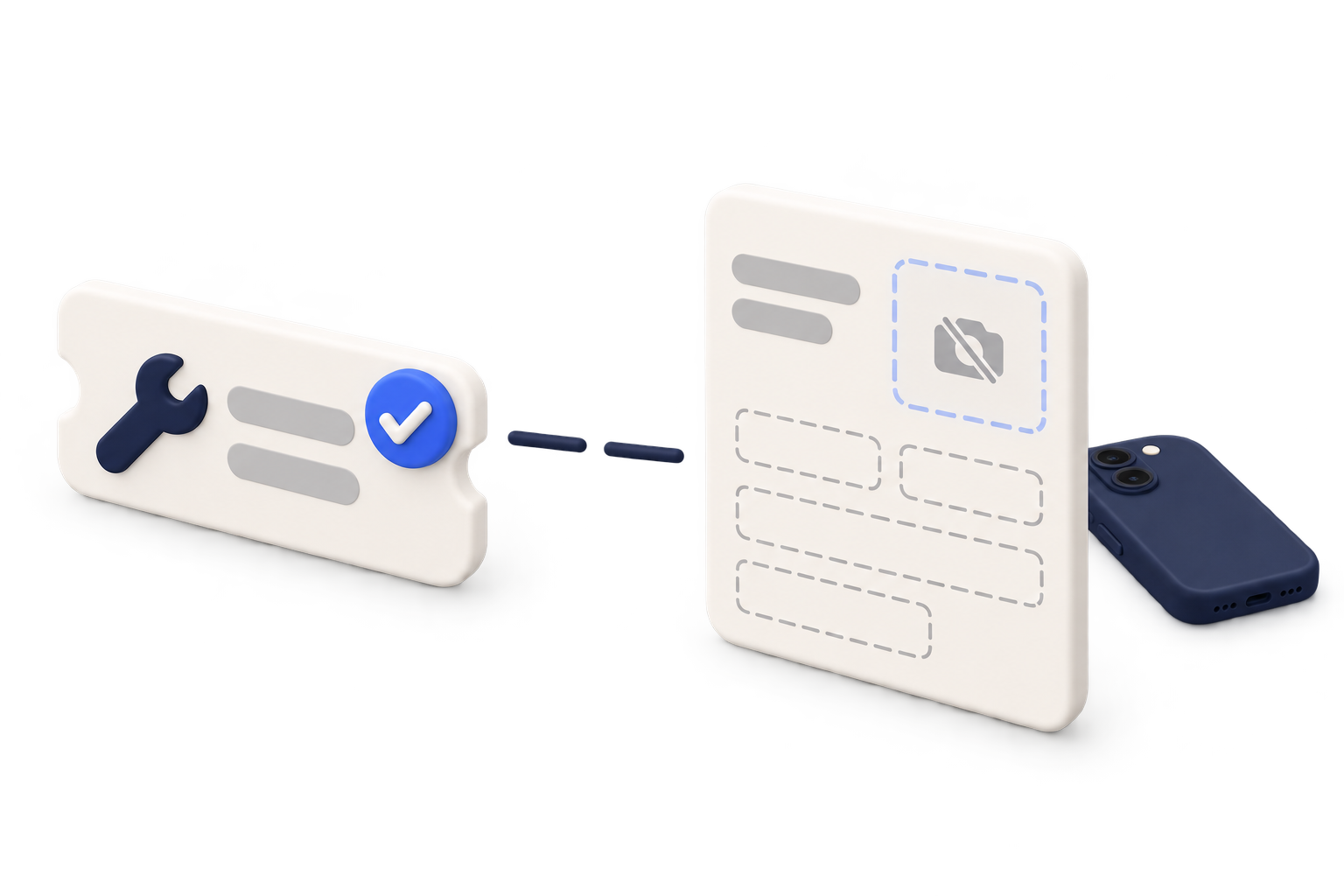
The work order moves through your stages, with visit forms, photos and notes captured on site.
04
Delays reach someone who can act
SLA timelines are tracked at every stage, and delayed or unresolved work is escalated.
How it works. Follow one breakdown complaint.
Hover or tap a step to see what happens.
Request arrives
Customer
A customer reports a breakdown.
Customer form
The customer fills in a form with the details of the breakdown.
Ticket opens
A ticket opens, so the complaint is on record from the start.
Assigned by area
URVA Service
Assigns by area
The ticket goes to the team that covers the customer's area, and the job is assigned to a technician.
Your service team
Service desk
Dispatcher
Area team
Technician
Every ticket follows your roles: service desk, dispatcher, area team and technician.
Work order in the field
Route
To the customer site
The technician gets the route to site, with traffic updates.
Check-in
At the site
Check-in and check-out are recorded at the customer site.
Visit form
Each work order stage
Each stage of the work order is completed in a digital form.
Photos
Field evidence
Photos and notes are saved with the visit.
SLA and resolution
SLA watched
SLA timeline · Escalation
Every stage is tracked against the SLA. If the job is delayed or unresolved, it is escalated.
Resolved and reviewed
Customer history · Dashboards
The resolution joins the customer's history. Managers review service by team in drill-down dashboards.
Let's talk. Where does service slip first?
Four questions to find the best place to start.
No score and no sign-up. Your answers stay on this page until you book a demo.
Question 1 of 4
Where do service requests come in today?
Calls leave no record unless someone writes them down.
Requests wait in inboxes without an owner.
Then the gap is usually after the ticket.
Each channel keeps its own list.
What still happens outside your system?
Jobs go to whoever is free, not to the area team.
Work done on site isn't on record.
Follow-up work waits between stages.
Customers call to ask for status.
What reaches managers too late?
SLA timelines can be tracked at every stage.
The customer's history shows what was done before.
Delayed work can be escalated.
Dashboards drill down to each team.
How widely is your service spread?
A good place to start.
Area-based assignment keeps each job with its team.
Drill-down views show where to act.
Partner-run service is a setup worth discussing.
Your discussion starting point
Start with the SLA.
Requests: {work}. Outside the system: {outside}. Spread: {scale}. Start the conversation with:
Where SLA timelines are tracked today.
How escalation would work.
Relevant area:
Step 5 · SLA watched →Start with the service record.
Requests: {work}. Outside the system: {outside}. Spread: {scale}. Start the conversation with:
What is captured on site.
How the customer's history reaches the next visit.
Relevant area:
Step 5 · Resolved and reviewed →Start with the work order stages.
Requests: {work}. Outside the system: {outside}. Spread: {scale}. Start the conversation with:
How jobs move between stages.
Where they wait today.
Relevant area:
Step 4 · Work order in the field →Start with the manager view.
Requests: {work}. Outside the system: {outside}. Spread: {scale}. Start the conversation with:
What managers see today.
How drill-down by team would work.
Relevant area:
Step 5 · Resolved and reviewed →Every request, owned until it is resolved.
See how URVA Service would work with your teams, your areas and your service stages.
Book a demo