





Video KYC. The call is quick. Is the proof on record?
Your officers verify customers on video every day. Cases arrive in spreadsheets, checks vary by officer, and the proof ends up in different places.
Video KYC · Customer B
03:12
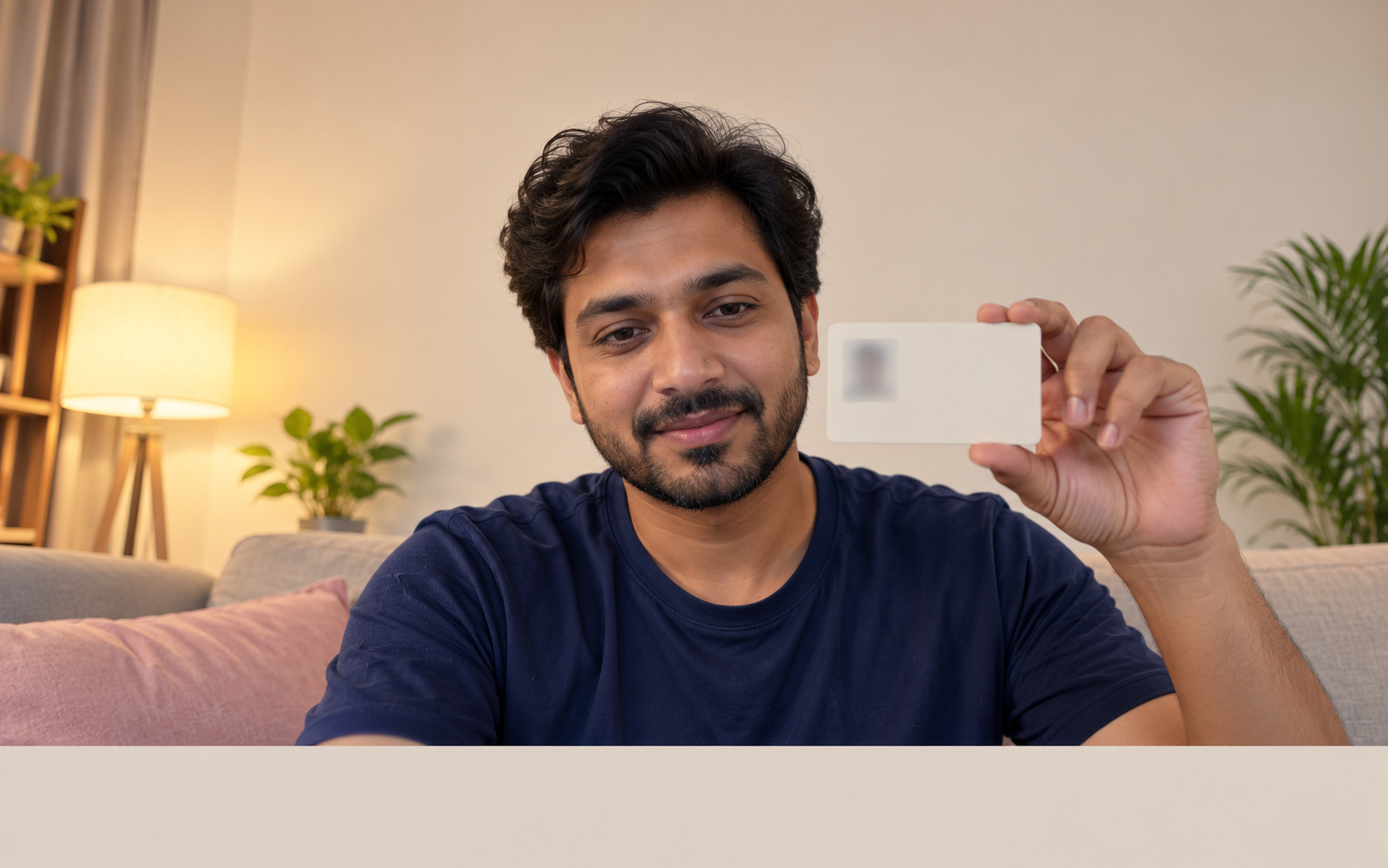

ID shown
Face visible
Address · to confirm
Find your gaps. Which of these happen in your video KYC?
Pick every one that sounds familiar. You can change them later.
Nothing selected yet. You can also go straight to a demo.
You selected {list}.
For example: Monday’s list comes as an email attachment. Two officers call the same customer.
New cases reach your officers through
1
cases: cases by spreadsheet
For example: a customer can’t take the call at 11. The case sits until someone notices it’s overdue.
When a customer misses the call
2
missed: missed calls
For example: one officer asks for the ID first, another skips the address check.
Your officers follow
3
script: every officer differently
For example: the reviewer samples a few calls a day. The rest are approved unseen.
Calls are reviewed
4
review: review can’t keep up
For example: the audit team asks for one case from March. The ID image, the notes and the approval are in three tools.
Proof for a case is kept in
5
proof: proof in pieces
A short check. Four questions about how your video KYC runs today.
Pick the closest answer. "Not sure" is fine.
Skip the checkQuestion 1 of 4
How do you run video KYC today?
manage: shared | mixed | calls | unsure
How many video KYC calls a month?
size: small | mid | large | unsure
When do you find out a check was done wrong?
find: early | sameday | late | unsure
When do you want to improve this?
timing: now | quarter | later | exploring
Thanks. Here is what you told us.
How you run video KYC
Skipped
Calls a month
Skipped
When you find out
Skipped
When you want to improve
Skipped
Where it breaks. What your answers bring into focus.
Case assigned
Your gap
Cases imported and allocated to officers by rules
cases that reach the right officer
Call booked
Your gap
Reminders and turnaround tracked for every case
customers who miss the call
On the call
Your gap
The same checklist on every call
one checklist on every call
Review
Your gap
A reviewer approves the case or sends it back
reviewing every case
Record
Your gap
One case timeline, with customer data masked
proof in one place
Illustrative workflow, based on your answers. Not an audit of your team.
gap: cases
Case assigned · your gap
Cases shared by email go to the wrong officer, or to two at once.
gap: missed
Call booked · your gap
A missed call becomes a stuck case. Nobody sees it until it’s overdue.
gap: script
On the call · your gap
When every officer runs the call differently, two approved cases can mean different things.
gap: review
Review · your gap
If only a sample is checked, mistakes surface at audit, not in review.
gap: proof
Record · your gap
Proof spread across tools takes days to put together when audit asks.
empty
No gaps picked yet
Pick your challenges in “Find your gaps” to see where they sit. Until then, this is the path every video KYC case takes.
Find your gapshealthy
From your answers
Your cases and calls already run in one system and you catch errors in review. The demo can focus on keeping that true as volume grows.
with
With URVA Comply
Every case reaches the right officer, every call follows the same checklist, and a reviewer approves or sends it back. Each case keeps one timeline, with customer data masked.
said
You said: {answer}.
Tap another marked stage to switch.
late
From your answer: at audit or after a complaint
You find out at audit. By then the case closed months ago.
tools
From your answer: how you run video KYC
Your cases and calls sit in separate tools. No one place shows a case end to end.
scale
From your answer: calls a month
Calls a month: {size}. Small gaps in one team add up fast.
Your next step
In your demo, we’ll follow one video KYC case from assignment to audit.
In your demo, we'll focus on {focus}.
exploring
Just exploring is fine. The demo is a short look at your process, not a commitment.
Video KYC with URVA Comply. Every case assigned, checked and on record.
URVA Comply gives your video KYC team one place to run each case. Cases are allocated to officers by rules, every call follows the same checklist, reviewers approve or send cases back, and each case keeps one timeline with customer data masked. A video KYC solution built on the way you already verify.
See how URVA Comply works →Clearer accountability for every case
Less status chasing
More consistent records
Customer A
One case’s week with URVA Comply. Tap a day, or play the week.
On track
Mon
Case imported
Bulk list
Allocated
Officer by rule
The case list is uploaded and each case goes to an officer by rule.
Case allocated.
Tue
Call missed
Reminder sent
Call rebooked
Same officer
The customer misses the call. A reminder goes out and the call is rebooked.
Call rebooked.
Wed
Call done
Checklist complete
Sent for review
Reviewer queue
The officer completes the call and the checklist, then sends the case for review.
Waiting for review.
Thu
Sent back
ID photo unclear
Re-checked
Same case
The reviewer sends it back: the ID photo is unclear. The officer re-checks it on the same case.
Re-checked, same case.
Fri
Approved
Timeline ready for audit
The case is approved. Its timeline is ready if audit asks.
Ready for audit.
Tue · On the case
The customer misses the call. A reminder goes out and the call is rebooked.
Manager sees, same day
Call rebooked.
Conceptual interface. Compare the top of the page: here every case ends with one timeline, ready if audit asks.
Add when you need it
URVA Connect
If your verification team already uses URVA Connect, add video KYC to it as a ready-to-use connector.
See URVA ConnectURVAshe
AI that helps with face match, sentiment and call summaries, and supports the steps where you need it.
See URVAsheUsed by verification teams at




Common questions. What verification teams ask first.
Short answers about how URVA Comply runs video KYC cases.
Can new video KYC cases be assigned automatically?
Yes. Case lists can be uploaded in bulk and allocated to officers by predefined rules.
What happens when a case fails review?
The reviewer sends it back and it is reassigned for re-verification.
Can every officer follow the same steps?
Yes. Forms and checklists are configured for each product or process, so every call follows the same steps.
How do we know a case is stuck?
Turnaround is tracked for every case, with alerts and reminders when an action is due.
Book a demo focused on your video KYC.
We'll focus on the challenges you selected.
Your demo focus
A general demo of video KYC with URVA Comply. Add a focus if you like.
Calls a month
Not given
Timing
Not given